DAPLink Hardware and Firmware
Hardware: https://oshwhub.com/xivn1987/daplink
Firmware: https://github.com/XIVN1987/DAPLink/tree/master
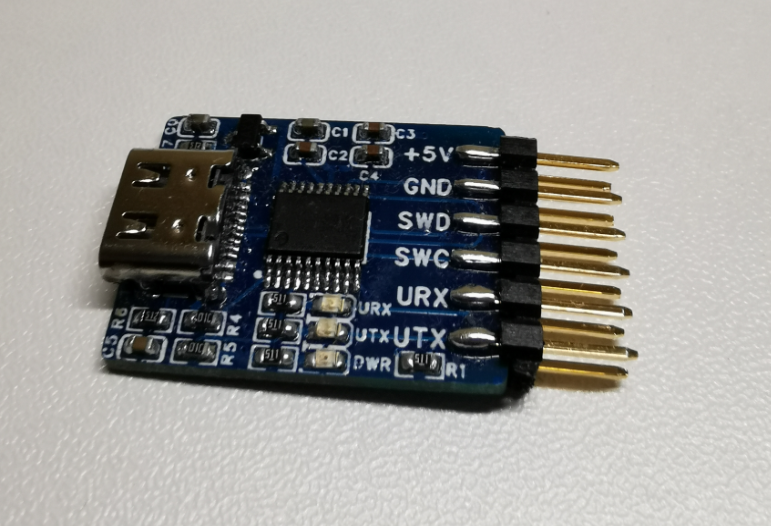
Similar issues may also happen on other non-official/custom DAPLink firmware builds.
Symptom
pyocd list may show either an unknown probe or no probe:
|
|
Sometimes only J-Link appears, or no available probes are reported, while the same DAPLink still works in Keil.
Fix Steps
- Check whether USB device is visible:
|
|
If detected correctly, you should see something like XIVN1987 XV-Link CMSIS-DAP.
- Configure udev rules Reference: https://github.com/pyocd/pyOCD/tree/main/udev
Clone repository:
|
|
Rules are in:
|
|
For this custom probe, add an explicit rule (or append to 50-cmsis-dap.rules):
|
|
The vendor/product IDs should match lsusb output.
Copy the updated rule file to /etc/udev/rules.d, then reload:
|
|
After that, run:
|
|
You should now see the DAPLink probe listed correctly.