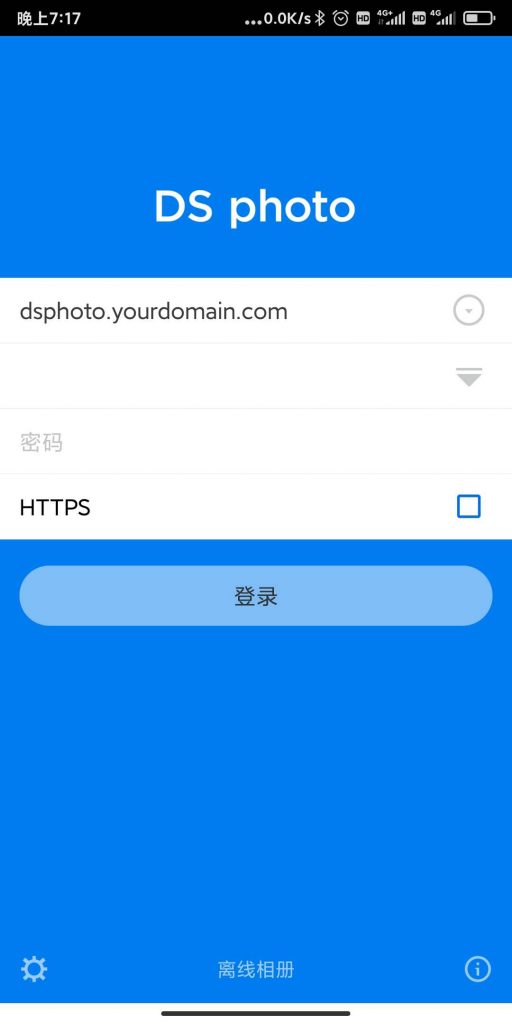
FRP is a high-performance reverse proxy tool. It can expose services inside a private network to the public Internet and supports TCP, HTTP and HTTPS forwarding. This makes it useful when the home network has no public IP address, but you still want to access services such as Synology DS File, DS Photo or a Windows remote desktop.
Project address:
1
|
https://github.com/fatedier/frp
|
Install The FRP Server
Download a release from the FRP project page. The original setup used FRP 0.34.1 on Ubuntu 20.04 as an example:
1
2
|
wget https://github.com/fatedier/frp/releases/download/v0.34.1/frp_0.34.1_linux_arm64.tar.gz
tar -zvxf frp_0.34.1_linux_arm64.tar.gz
|
After extraction, the package contains the server, client, sample configuration files and systemd service files:
 1
 2
 3
 4
 5
 6
 7
 8
 9
10
11
12
13
|
frp_0.34.1_linux_amd64
├── frpc
├── frpc_full.ini
├── frpc.ini
├── frps
├── frps_full.ini
├── frps.ini
├── LICENSE
└── systemd
    ├── frpc.service
    ├── [email protected]
    ├── frps.service
    └── [email protected]
|
Copy the binaries, configuration files and service files to the system:
1
2
3
4
|
copy frp_0.34.1_linux_amd64/frpc /usr/bin/
copy frp_0.34.1_linux_amd64/frps /usr/bin/
copy frp_0.34.1_linux_amd64/*.ini /etc/fpr/
copy frp_0.34.1_linux_amd64/systemd/* /etc/systemd/system
|
If /etc/fpr/ does not exist, create it first.
Server Configuration
The server-side frps.ini can be configured like this:
 1
 2
 3
 4
 5
 6
 7
 8
 9
10
11
12
|
[common]
bind_port = 10100
vhost_http_port = 10101
token = XXXXXX

dashboard_port = 10109
dashboard_user = admin
dashboard_pwd = XXXXXX

log_file = /var/log/frps.log
log_level = debug
log_max_days = 3
|
bind_port is used for communication between the FRP server and clients. vhost_http_port receives public HTTP traffic. If Nginx is used in front of FRP, Nginx should proxy traffic to this port.
More options are available in frps_full.ini.

Start, stop, restart and enable the FRP server:
1
2
3
4
5
|
systemctl start frps
systemctl stop frps
systemctl restart frps
systemctl status frps
systemctl enable frps
|
Optional Nginx Proxy
If port 80 is already handled by Nginx, proxy the required domains to the FRP HTTP virtual host port:
 1
 2
 3
 4
 5
 6
 7
 8
 9
10
11
12
13
14
15
16
17
18
19
20
|
server {
    listen 80;
    server_name dsphoto.youdomain.com dsfile.youdomian.com frp.yourdomian.com;
    location / {
        proxy_pass http://127.0.0.1:10101;
        proxy_set_header Host $host:80;
        proxy_set_header X-Real-IP $remote_addr;
        proxy_set_header X-Forwarded-For $proxy_add_x_forwarded_for;

        proxy_set_header Upgrade $http_upgrade;
        proxy_set_header Connection "upgrade";

        proxy_connect_timeout 7d;
        proxy_send_timeout 7d;
        proxy_read_timeout 7d;
    }
    if ($http_user_agent ~* "360Spider|JikeSpider|Spider|spider|bot|Bot|2345Explorer|curl|wget|webZIP|qihoobot|Baiduspider|Googlebot|Googlebot-Mobile|Googlebot-Image|Mediapartners-Google|Adsbot-Google|Feedfetcher-Google|Yahoo! Slurp|Yahoo! Slurp China|YoudaoBot|Sosospider|Sogou spider|Sogou web spider|MSNBot|ia_archiver|Tomato Bot|NSPlayer|bingbot") {
        return 403;
    }
}
|
FRP Client Configuration
Client installation is similar to the server side. The client uses frpc, the configuration file is frpc.ini, and the service is frpc.
Example client configuration:
 1
 2
 3
 4
 5
 6
 7
 8
 9
10
11
12
13
14
15
16
17
18
19
20
21
22
23
24
25
26
27
28
29
30
31
32
33
34
35
|
[common]
server_addr = frp.yourdomain.com
server_port = 10100
token = XXXXXX
log_file = /tmp/frpc.log
log_level = info
log_max_days = 3
tcp_mux = true
protocol = tcp
login_fail_exit = false
user = admin

[DSphoto]
type = http
local_ip = 192.168.68.200
local_port = 80
custom_domains = dsphoto.yourdomain.com

[DSfile]
type = http
local_ip = 192.168.68.200
local_port = 5000
custom_domains = dsfile.yourdomain.com

[DSM]
type = tcp
local_ip = 192.168.68.200
local_port = 5000
remote_port = 5000

[MSTC]
type = tcp
local_ip = 192.168.68.168
local_port = 3389
remote_port = 3389
|
DSphoto exposes the Synology photo service. DSfile exposes DS File over HTTP. DSM exposes the DSM management port through TCP. MSTC forwards Windows Remote Desktop.
After the client connects successfully, access the configured domains or ports from the public network.