J-Link Device Used
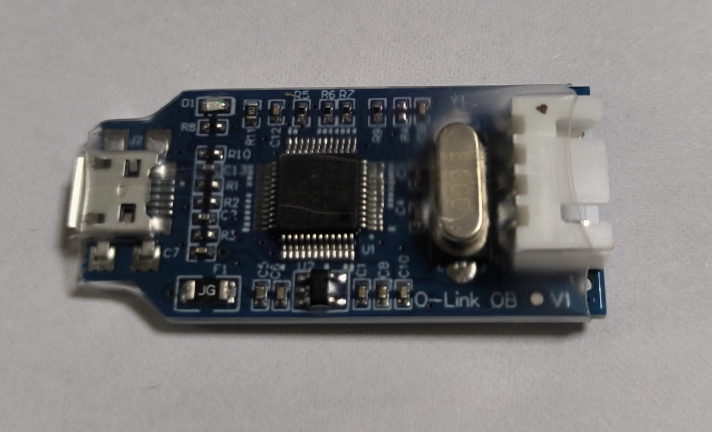
This setup uses low-cost J-Link OB compatible debug probes (SWD).
Installation
1. Install J-Link package
Download Linux .deb package from:
https://www.segger.com/downloads/jlink/
2. Install Python runtime helpers
1
2
3
|
sudo apt install python-is-python3
sudo apt install pipx
pipx ensurepath
|
3. Install pyOCD
4. Verify probe detection
Common Usage
List targets
Flash firmware
1
|
pyocd load firmware.elf
|
Open GDB server
Troubleshooting
- If
pyocd list shows no probe, check USB permission/udev rules.
- If J-Link appears but target connection fails, verify SWD wiring and target power.
- Try lower SWD clock when signal quality is poor.